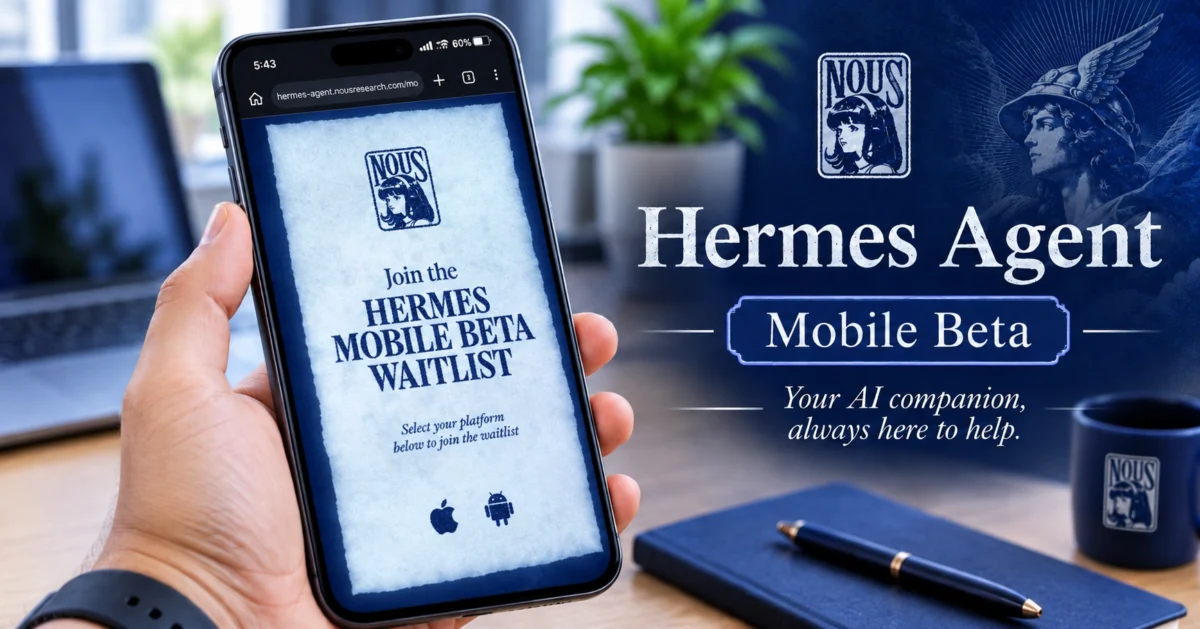
Hermes Agent now has a mobile app, but you may have to wait for a spot.
Nous Research opened a public beta of the Hermes mobile app for iPhone and Android around its NousCon 2026 event in New York. In this post, you will learn what the app does, how to join, and what to know before you try it.
What Is Hermes Agent?
Hermes Agent is an open-source AI agent from Nous Research.
It runs on your own computer or a server, not on your phone. Until now, most people used it through a terminal, a desktop app, or messaging apps.
What Is the Hermes Mobile App?
The mobile app is a remote control for an agent you already run. It does not run a separate agent on your phone. Your phone connects to your Hermes gateway, and the agent keeps working on your computer or server.
According to coverage of the beta, the app lets you:
- Chat with the agent and see replies stream in
- Approve or deny the agent’s tool calls
- Manage bots and routines (scheduled tasks)
- Browse an agent dashboard with skills, integrations, projects, and a Kanban board
One early review tested the iPhone version and confirmed basic chat works. Most other features were seen but not fully tested, so treat the full feature list as early beta.
What Happened at NousCon?
NousCon 2026 took place in New York City on October 30, 2026. Nous Research announced the Hermes mobile beta around the event and published an official page where you pick your platform to reserve a spot.
Reports say the iPhone and Android betas launched together, and that spots filled quickly. Some testers also reported trouble with invite links in the first days. One report said the iPhone link showed a “Not Found” page on November 1.
How Do You Join the Beta?
The official app is not in the App Store or Google Play yet, and Nous Research has not announced a public launch date.
- iPhone: The beta runs through Apple TestFlight.
- Android: The beta runs through Firebase App Distribution.
To join:
- Open the official page at hermes-agent.nousresearch.com/mobile.
- Choose iPhone or Android and follow the invite link.
- Sign in with a Nous Portal account and connect the app to your Hermes Agent.
If you see a message that the beta is full, check back later. One report says spots open in waves, but Nous has not confirmed a schedule. An invite link also does not guarantee an open spot.
Watch out for look-alike apps. Nous Research has warned that apps using the Hermes name can be fake or unofficial. Other apps for Hermes exist in the App Store and Google Play, but they are made by independent developers. Only use the link on the official Hermes page.
What Do You Need Before You Start?
You need a working Hermes Agent setup that your phone can reach. If you do not run Hermes yet, you will have to set it up first.
Your agent must be switched on and reachable when you use the app. A laptop that goes to sleep cannot answer your phone, and scheduled routines only run while the machine is awake. For regular use, an always-on computer or a small cloud server works best.
Be careful with security. Do not open your Hermes gateway to the public internet without understanding who can reach it. Reviewers advise using a private connection and strong protection for your credentials.
What Is Still Unclear?
- Nous Research has not announced a general release date or an App Store or Google Play launch.
- Whether the beta supports push notifications has not been confirmed in the coverage we found.
- Pricing: the app is free during the beta. Nous has not announced separate mobile pricing. Hosting and model usage may cost extra, depending on your setup.
Should You Try It?
If you already run Hermes Agent, this app is made for you. You can check on your agent and approve its actions when you are away from your desk.
If you do not run Hermes yet, there is no rush. The app is still in beta, spots are limited, and setting up the agent comes first. Watch the official Hermes mobile page for new openings.
Want more tech news in plain English? Read the latest on the TECHcyy blog.